Introduction:
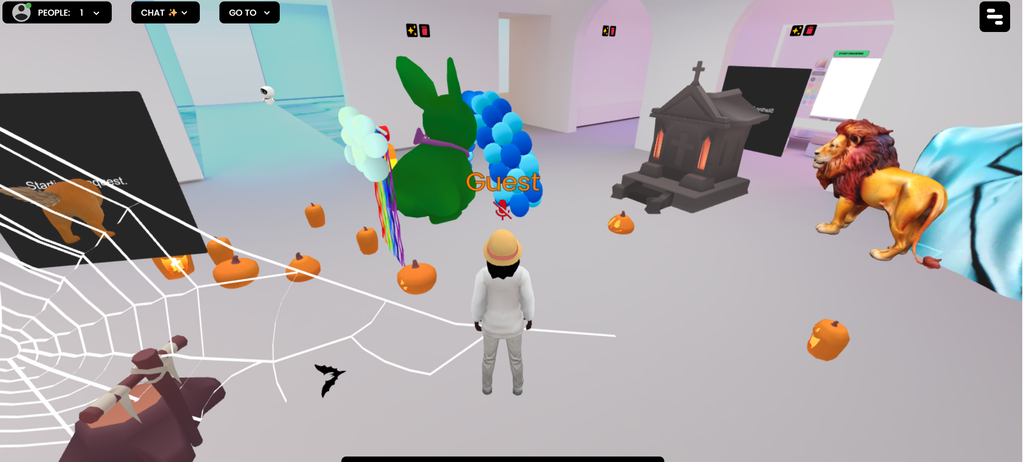
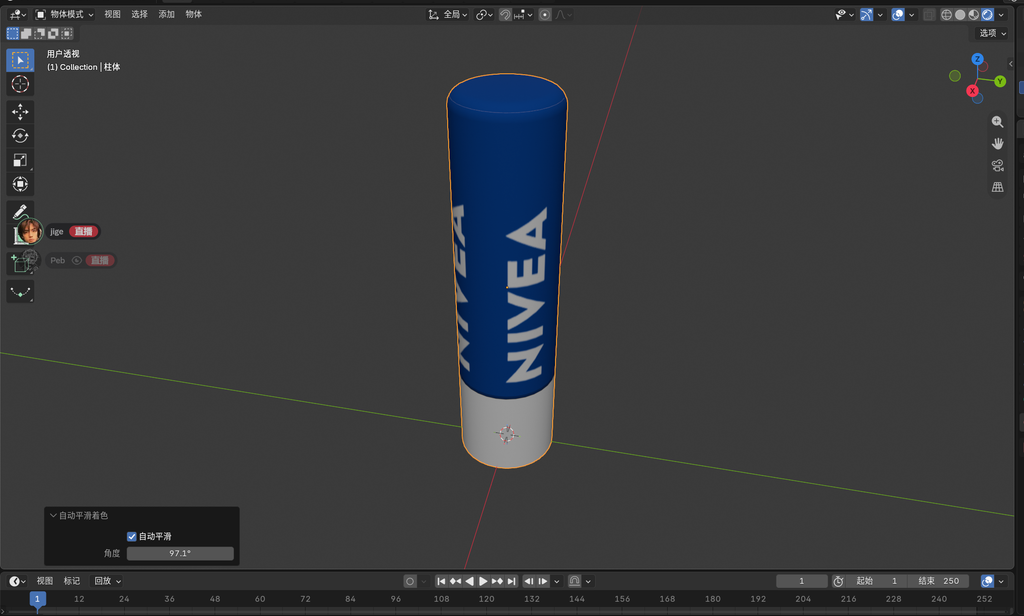
During these lectures, we have explored various software programmes and websites—including Illustrator, Photoshop, Firefly, Frame VR and Blender—to varying degrees, and have gained a range of insights into areas such as AI and 3D modelling. I believe the knowledge acquired here will greatly enhance our product design.
In this blog post, I’ll showcase the images I’ve created and some brand-new techniques I’ve learnt whilst working on them.
3D Design:
Adobe Illustrator 3D
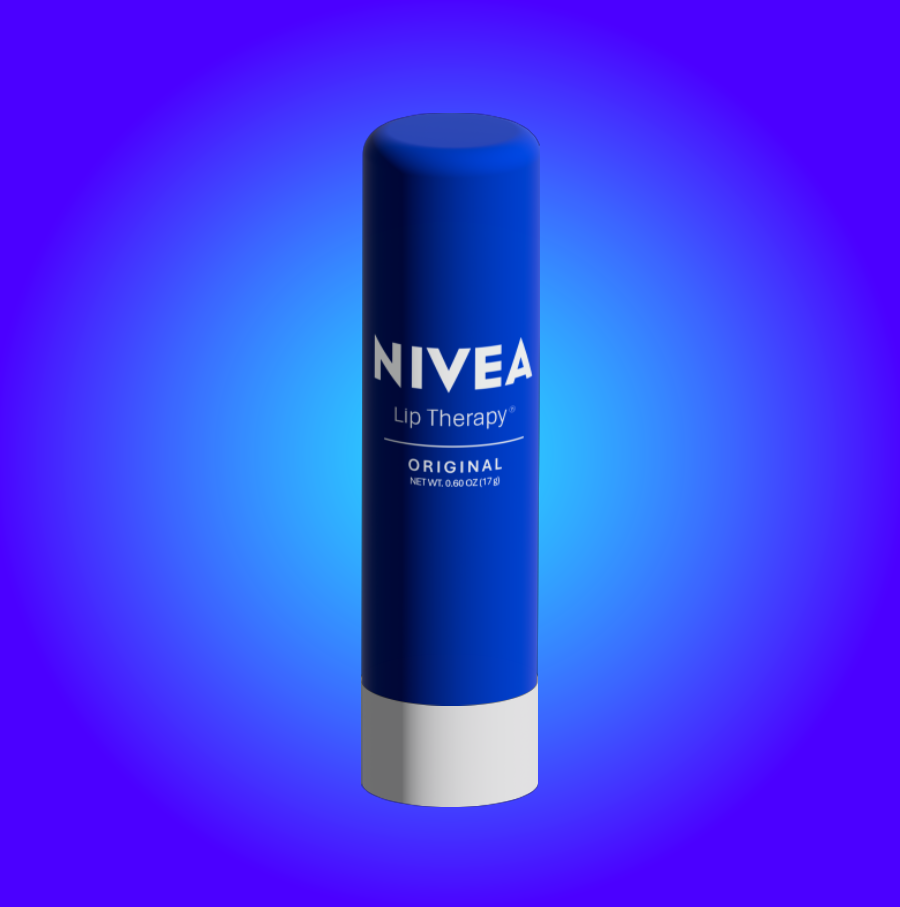
In this assignment, we attempted to design and create 3D models in Illustrator. Prior to this, our experience of using Illustrator in projects had been limited to simple graphics (including posters, illustrations and some layout work) and basic logo designs. This type of design is particularly important to us; by applying similar techniques, we may be able to visualise the physical form of our products more intuitively in future product design projects, and it will also make it easier to produce posters and schematic diagrams for certain product types.
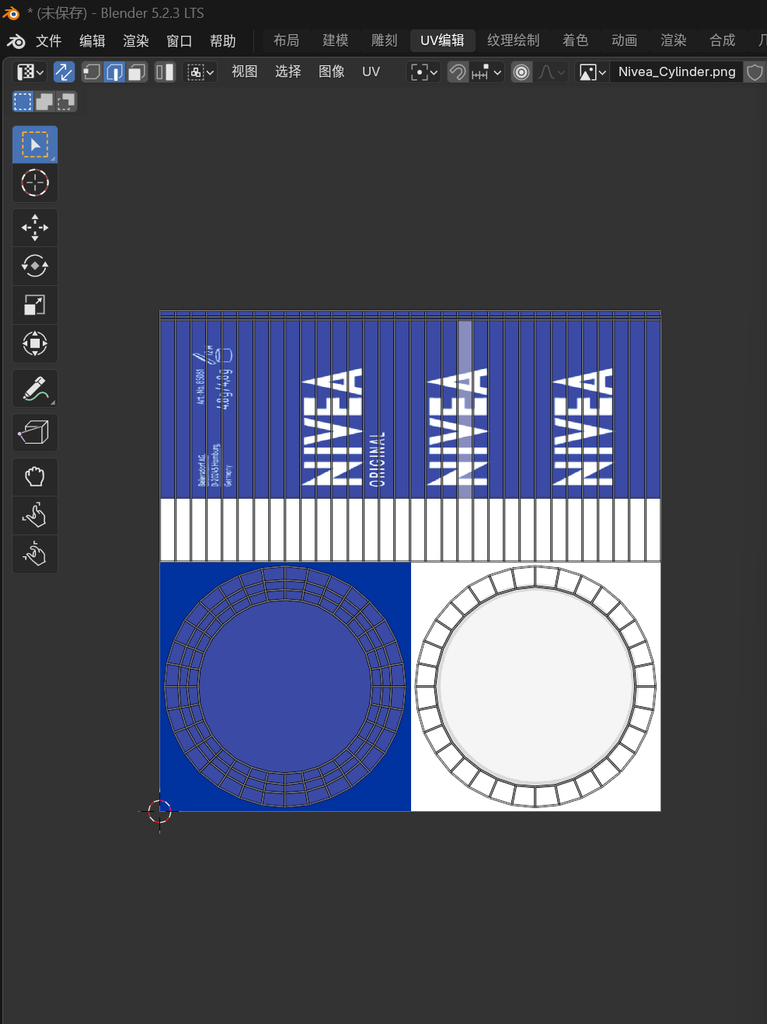
In this project, we gained an understanding of the basic process of transitioning from 2D to 3D by creating derivative works based on some of the ‘NIVEA’ company’s logos and products. During this time, we experimented with many new tools, such as converting photographs into materials and adding them to models, and tried out different lighting, shadow and texture effects on the 3D models we created.
I have attempted to further refine the background using the Gradient tool; I believe that by utilising colour transitions, variations in light and shade, and spatial depth, I can enhance the visual quality of the product’s presentation. This not only makes the product stand out more clearly, but also enhances the brand’s visual appeal.
Blender
2D Design:
2D Nets
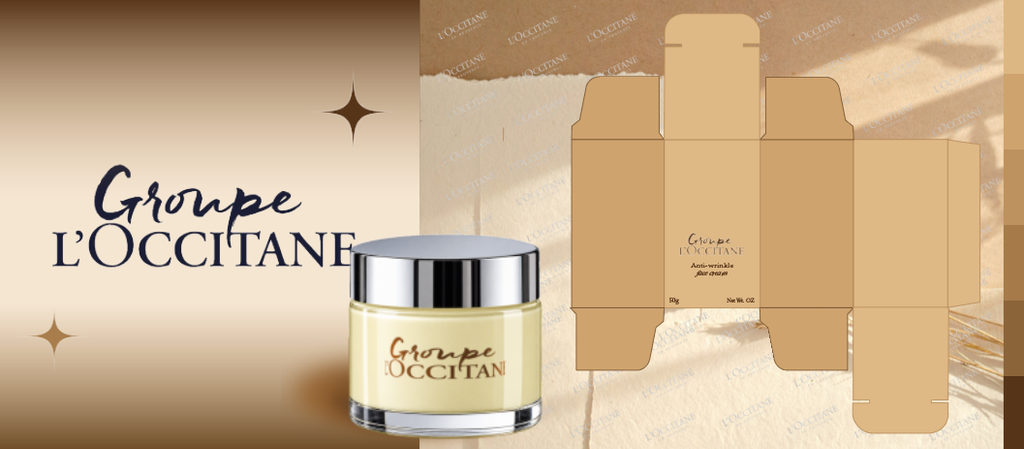
Brand Boards and Bento Boards
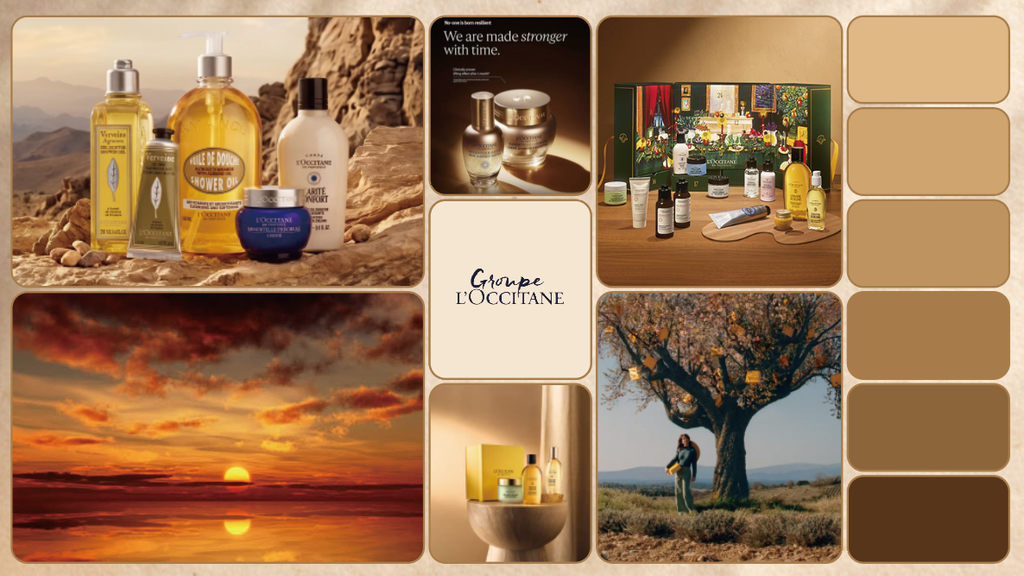
These are my Bento Brand Boards. In this assignment, we learnt how to enhance our visual presentation skills. I have integrated elements such as the brand logo, colour scheme, typefaces, product images, packaging design, graphic elements and brand applications into a single layout, using rectangular modules of varying sizes to showcase the brand’s core visual identity.
I believe it is very important to maintain consistency across the Bento Brand Boards as a whole. I have standardised the colour scheme to a range between light brown and dark brown, ensuring the overall look is cohesive. At the same time, I have demonstrated how the brand elements work together in different application scenarios to verify that they are harmonious.
In this exercise, I experimented with a variety of different tools and techniques, such as how to divide a rectangle into several smaller rectangles of equal proportions, and how to combine several of these smaller rectangles to create your Bento layout.
- Virtual Reality:
- Open Brush
- Augmented Reality
- Unity AR
- Generative AI
- Adobe Firefly
Framer VR