For the production of the user flow chart, do the main thing is the specific function in the software (the role of the button), at the same time, based on the user survey to get the following needs and functions
- can view the activities within the game
- can receive in-game information (friends to add information)
- community interaction function
- out-of-game charging function (the software can be directly purchased within the skin)
- personal collection (their own inventory display)
- in-game news (including tournament information, etc.)
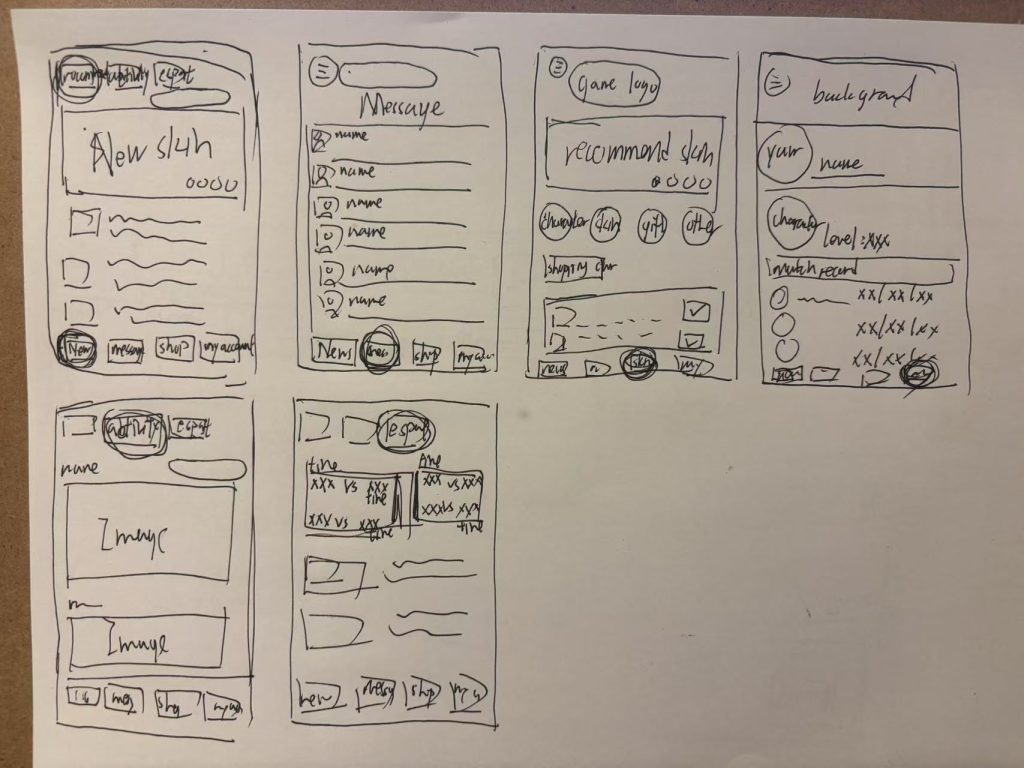
Combine the above desired features in a sketch and update the sketch into a more explicit user flow diagram:
User Flow Chart
Use figjam to turn sketches into clearer user flow diagrams for applications (apps).
This flowchart contains all software buttons and user flows.
Low Fidelity Prototype
Use figma to create the original Low Fidelity Prototype wireframe model with no frills, just a simple demonstration of the app in use.